GreenHorn

Sea Writeup
Table of Contents
1. Service Enumeration
As usual, we start with an Nmap scan to identify open ports and services.
We can find ports 22, 80 and 3000 open, so lets dig deeper into them.
2. Web Recon
Port 80
At port 80, we land at this page:
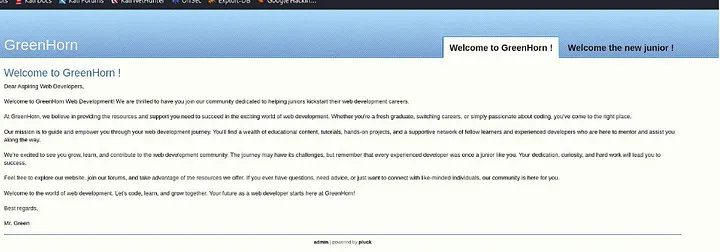
This contains nothing more than a static page and a login page, in which we can test the default credentials but wont give us anything, so lets move onto port 3000.
Port 3000
In this port, we land here:
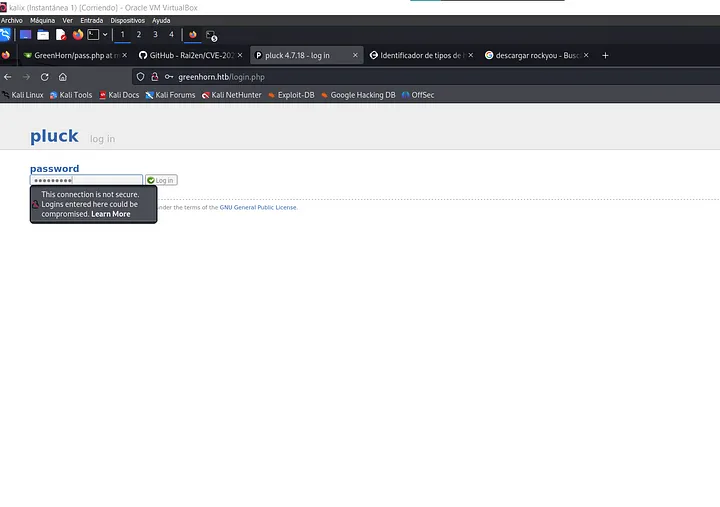
After a bit of searching, we can find a pass.php inside GreenAdmin repository. data/settings/pass.php
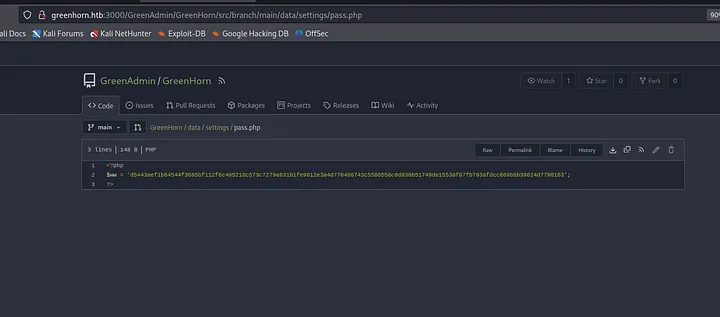
We can see this is a hash, so we should try to decode it with hashcat or john.
After decoding it with rockyou, we can see the password is iloveyou1. This is the password for the first login page.
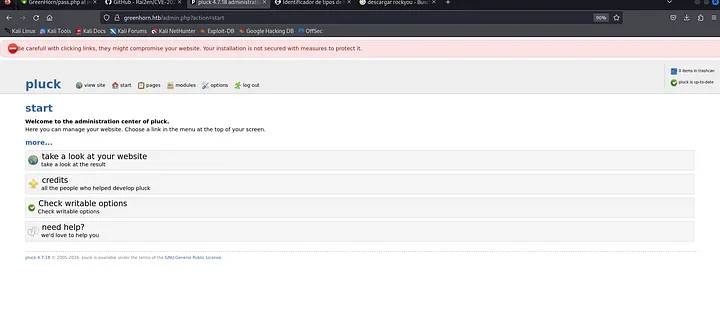
In this page, we can identify the modules section, and after trying to upload a reverse shell, the throws an error that only .zip can be uploaded, we can search in this github a way to get a reverse shell with a .zip file.
After uploading the reverse shell, we can get a shell as www-data.
3. Lateral Movement
As www-data, we cant see the user.txt file, so we need to get a shell as the user junior which we can see has a home directory.
We can try to get a shell as junior with the password we found before, this will give us a shell as junior and now we can read the user.txt file.
4. Privilege Escalation
Here, we can see a file called OpenVas.pdf which contains a blurred password.
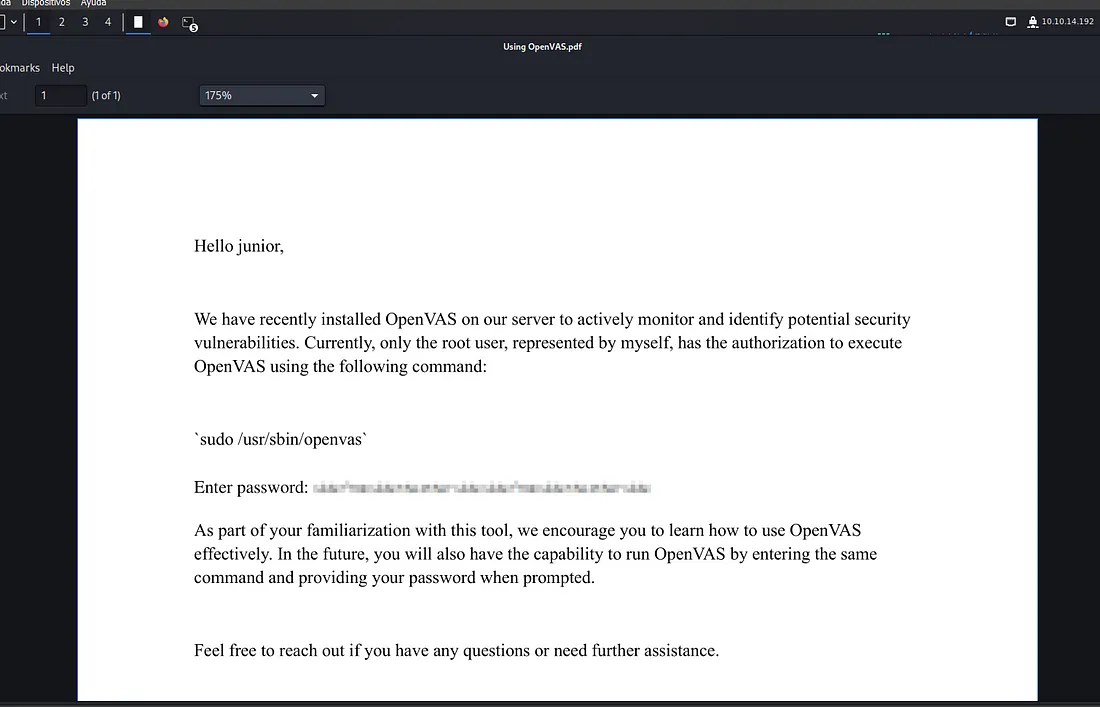
We can use this tool to get the password.

This password would let us log in as root and get the root flag.
Done!!